Voice Assistants Convert Speech Into Action
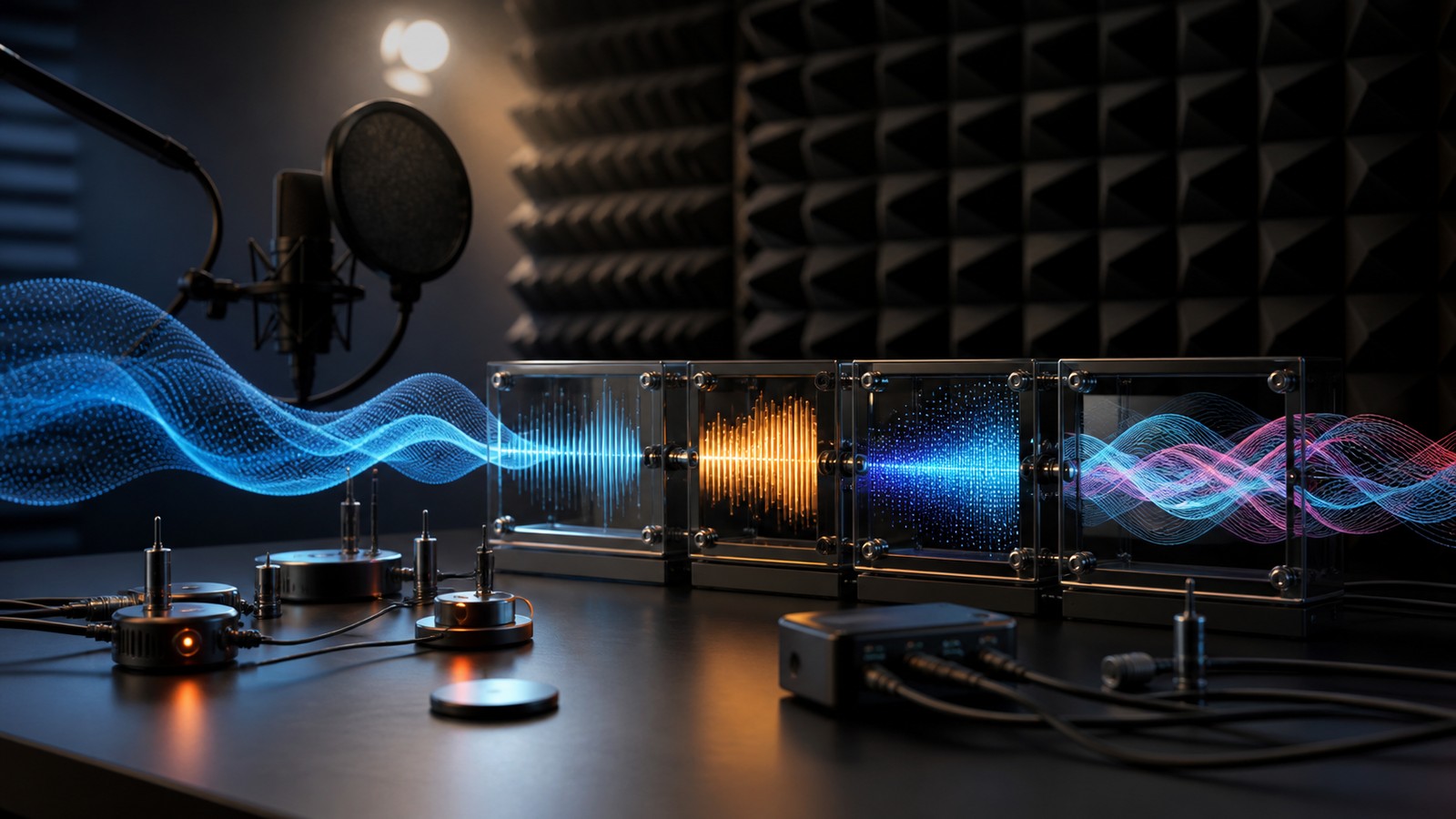
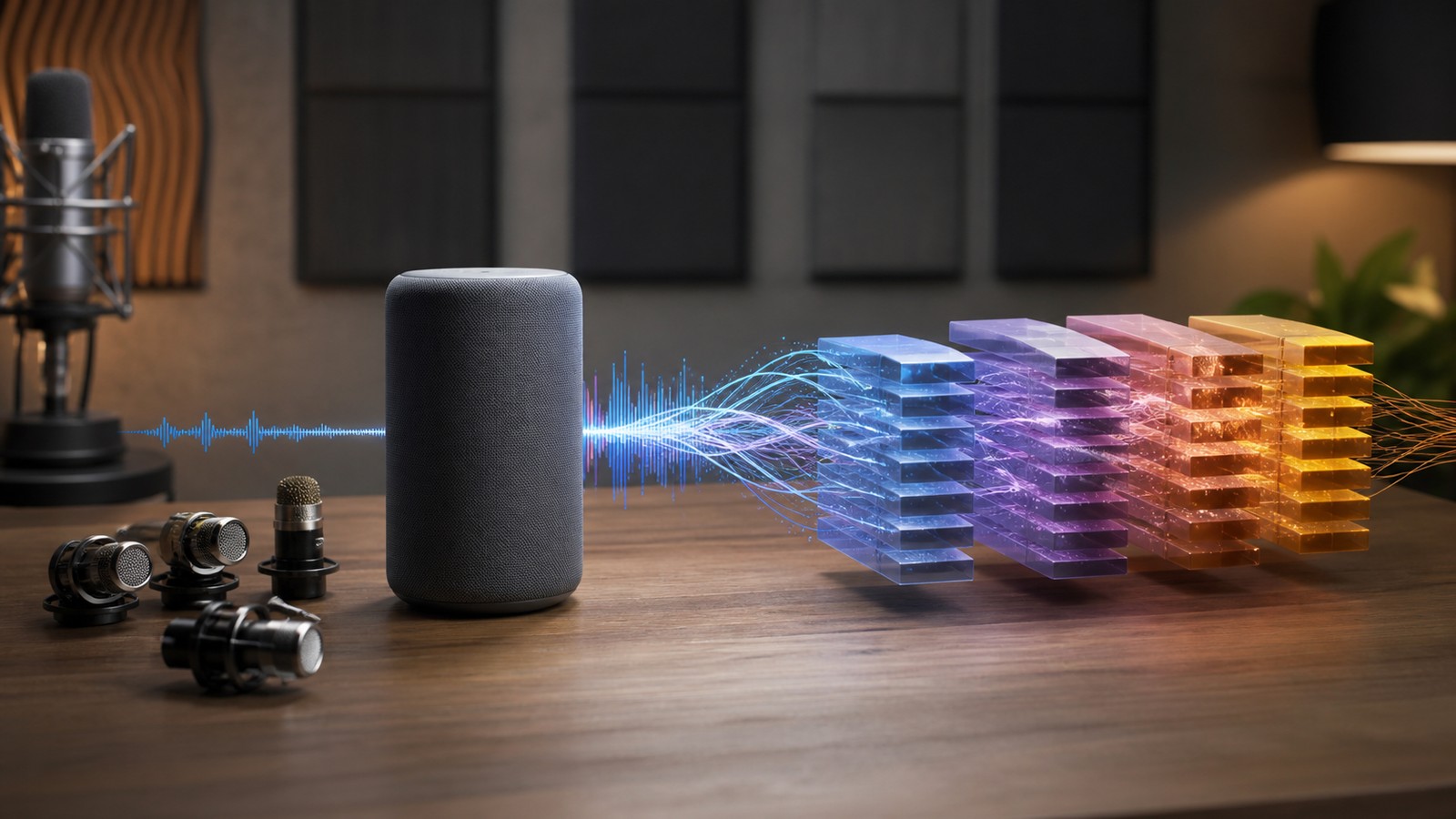
Voice assistants work by turning sound into text, interpreting intent, choosing an action, and responding through speech or a connected service. The process may feel instant, but it depends on several signal-processing and language steps. Microphones capture audio, models clean and recognize speech, NLP systems interpret meaning, and response systems complete the task. Accuracy depends on audio quality, language, context, privacy controls, and how well the assistant handles uncertainty.
Microphones Capture the First Signal
A voice assistant begins with audio captured by one or more microphones. The device needs to hear speech clearly enough to separate it from music, appliances, traffic, typing, or other people.
Microphone placement, room shape, distance, and background noise all affect the signal. Poor audio at the start can weaken every later step.
Wake Words Start the Session
Many assistants listen for a wake word or activation phrase before sending speech to the rest of the system. This limits when the assistant begins processing a command.
Wake-word detection must balance missed activations and false activations. If it triggers too easily, users lose trust. If it misses often, the assistant feels unreliable.
Noise Reduction Cleans Audio
Noise reduction tries to remove background sound while preserving speech. It may use beamforming, filtering, echo cancellation, and models trained to separate voices from noise.
Cleaning can help, but it can also distort speech if too aggressive. The system needs to preserve the parts of the signal that speech recognition depends on.
Speech Recognition Converts Audio to Text
Automatic speech recognition turns the audio signal into words. It estimates what was said by analyzing sound patterns, pronunciation, timing, and language probability.
Recognition errors can come from accents, names, technical terms, overlapping speech, poor microphones, or unusual phrasing. The assistant should be ready to confirm when confidence is low.
Language Understanding Finds Intent
After speech becomes text, the assistant tries to identify intent. The user may be asking a question, setting a timer, controlling a device, sending a message, or searching for information.
Intent detection works best when commands are clear and the assistant has enough context. Ambiguous requests should trigger clarification instead of a wrong action.
Entities Fill in Details
The assistant also needs details such as times, names, locations, devices, songs, contacts, amounts, or calendar entries. These details are often called entities or slots.
Missing or mistaken entities can change the task. Setting an alarm for seven instead of eleven is not a small error, so confirmation matters for some actions.
Context Helps With Follow-Up
Voice conversations often depend on previous turns. If a user says make it louder or remind me then, the assistant needs context to understand what it refers to.
Context should be useful but limited. Keeping too much history can create privacy concerns and unexpected behavior.
Response Generation Should Be Clear
Once the assistant chooses an action, it needs to respond clearly. A good response confirms important actions, answers the question, or asks for missing information.
The response should be brief enough for speech. Long spoken answers can become hard to follow, especially when the user is multitasking.
Connected Services Complete Tasks
Voice assistants often connect to calendars, music apps, smart lights, thermostats, shopping lists, maps, messages, or search tools.
These connections need permissions and reliable handoffs. The assistant should not act on sensitive services without clear authorization.
Privacy Is Central
Voice data can include private conversations, household routines, names, locations, and sensitive requests. Users need clear controls over recording, storage, review, and deletion.
Privacy also depends on device design. Local processing, limited retention, and transparent settings can reduce risk.
Accents and Languages Need Testing
Voice assistants should be tested across accents, dialects, languages, speech rates, ages, and environments. A system that works for one group may frustrate another.
Fair performance requires diverse data and ongoing review. Speech technology can feel personal when it fails repeatedly for a user's voice.
Children and Shared Spaces Add Risk
Voice assistants may be used in homes, classrooms, offices, cars, and shared rooms. The system may hear people who did not intend to interact with it.
Shared-space design should include permissions, voice profiles, child protections, and cautious handling of purchases, messages, and personal data.
Offline Behavior Needs Planning
Some voice features need cloud processing, while others can run locally. When connectivity is weak, the assistant should explain what it can and cannot do.
Local fallback can keep basic commands working. Cloud systems can support heavier recognition, search, and service integration.
Error Recovery Shapes Trust
Every voice assistant makes mistakes. Trust depends on how gracefully the system recovers from misunderstood speech, wrong intent, or missing information.
Good recovery includes confirmation, correction, undo, and clear apology without forcing users to repeat everything from the beginning.
Evaluation Uses Real Conditions
Voice assistant testing should include noisy rooms, far-field speech, quiet speech, interruptions, similar contact names, device conflicts, and unusual phrasing.
Clean lab recordings are not enough. The assistant must work in kitchens, cars, offices, bedrooms, and other ordinary settings.
What to Check Next
Teams should check wake-word accuracy, speech recognition, intent detection, entity extraction, privacy controls, and recovery behavior. Each step can break the user experience.
They should also test high-impact actions more carefully. Sending messages, making purchases, changing security settings, or controlling devices may need confirmation.
Deployment Notes
Deployment should include privacy settings, voice profile options, logging controls, model monitoring, user correction, and clear paths for failed requests.
Assistants should be reviewed after new services are added because each integration creates new permissions, commands, and possible errors.
Final Takeaway
Voice assistants combine audio processing, speech recognition, language understanding, service integration, and spoken response into one experience.
The best assistants hear clearly, admit uncertainty, protect privacy, recover gracefully, and keep users in control of important actions.
Voice Profiles Can Improve Accuracy
Voice profiles can help an assistant distinguish speakers and adapt to pronunciation patterns. They can also support personalized services such as calendars, contacts, and settings.
Profiles need privacy controls and clear consent. A shared device should not expose one person's information to another person simply because it recognized a voice incorrectly.
Confirmation Protects Important Actions
Some tasks should be confirmed before completion. Purchases, messages, door locks, security settings, payments, and sensitive searches deserve more caution than casual questions.
Confirmation should be short and clear. It should prevent harm without making ordinary voice use feel heavy.
Accessibility Is a Major Strength
Voice assistants can help people who have difficulty typing, seeing screens, reaching devices, or navigating complex menus. Speech can make technology easier to use.
Accessibility work needs inclusive testing. Different speech patterns, assistive devices, languages, and home environments should be part of evaluation.
The Practical Test
The practical test is whether the assistant completes useful tasks with less effort while keeping users in control. Speed alone is not enough.
A good assistant should make correction easy, protect sensitive actions, and explain limits without making the user feel blamed for the system's misunderstanding.
Far-Field Speech Is Difficult
Far-field speech happens when the user is across the room or speaking near other sounds. The assistant must separate the intended voice from reflections and background noise.
This is why microphone arrays and beamforming matter. Better capture can improve recognition before language models ever see the command.
Names and Proper Nouns Cause Errors
Voice assistants often struggle with names, businesses, songs, streets, and uncommon terms. These words may not follow common pronunciation patterns.
Personal dictionaries, contact confirmation, and context can help. The assistant should be especially careful when a mistaken name changes the action.
Multiple Speakers Add Complexity
Shared rooms may include several speakers, interruptions, and side conversations. The assistant needs to know which speech is directed at it.
Speaker recognition can help, but it should not be overtrusted. Shared devices need cautious behavior when identity affects access or permissions.
Response Timing Affects Usability
A voice assistant should respond quickly enough to feel natural but not so quickly that it cuts users off. Timing is part of the experience.
The system may need to wait for the end of a phrase, detect pauses, and handle corrections. Good timing makes the assistant feel less brittle.
Connected Devices Need State Awareness
Smart-home and device commands depend on current state. Turn it off only makes sense if the assistant knows which device is being discussed.
State awareness should be paired with confirmation when ambiguity matters. Controlling the wrong device can be annoying or unsafe.
Local Processing Can Protect Privacy
Some voice tasks can be handled on device, such as wake-word detection or simple commands. Local processing can reduce how much audio leaves the device.
Cloud processing may still be useful for complex recognition and search. The design should explain which tasks happen locally and which require remote services.
Corrections Should Teach the System
When users correct a misunderstood command, the assistant should learn from the correction where appropriate. Repeated mistakes are frustrating because speech feels personal.
Corrections can improve contact names, device names, routines, and common phrasing. The process should be simple and transparent.
Voice Design Should Respect Silence
A voice assistant should not speak more than the situation needs. In shared spaces, long responses can interrupt other people or reveal private information.
Good voice design uses brief confirmations for simple tasks and fuller answers only when requested. It should also support visual or silent feedback where useful.
Routines Need Clear Setup
Voice routines can combine several actions into one command. A morning routine may adjust lights, read a calendar, play news, and set a thermostat.
Routines should be easy to review and edit. If users forget what a routine does, a voice command can trigger more action than they expected.
Security Commands Need Caution
Commands involving locks, alarms, cameras, payments, and personal messages need stricter handling. The assistant should confirm identity and intent before sensitive actions.
Security design should assume shared spaces and accidental activation. A convenient assistant should not become an easy path to unwanted access.
Search Answers Should Show Limits
When a voice assistant answers a factual question, it should avoid sounding more certain than its information allows. Short spoken answers can hide uncertainty.
For complex questions, the assistant may need to summarize briefly and offer to send details to a screen. This keeps speech useful without oversimplifying.
Device Naming Affects Accuracy
Smart-home voice commands depend heavily on names. If several devices have similar names, the assistant may choose the wrong one.
Users need simple naming guidance and easy correction. Clear names can improve performance without changing the underlying model.
Final Review Questions
Before launch, teams should ask whether the assistant hears reliably, confirms risky actions, protects recordings, and recovers gracefully from mistakes.
After launch, review should focus on repeated misunderstandings, privacy complaints, failed integrations, and situations where users stop trusting voice control.
A Useful Assistant Handles Ordinary Messiness
Real voice use is messy. People interrupt themselves, speak from another room, use nicknames, mix languages, change their minds, and ask follow-up questions while doing something else.
The assistant should handle that messiness with patience. It can ask a short clarifying question, offer a correction, or confirm an important action instead of guessing.
Voice Should Not Hide Control
Because speech feels natural, users may forget how much a voice assistant can access. Settings, permissions, saved recordings, connected devices, and linked accounts should remain easy to find and change.
Visible control helps users trust the system. They should know how to pause listening, delete history, change permissions, and review connected services without hunting through hidden menus.