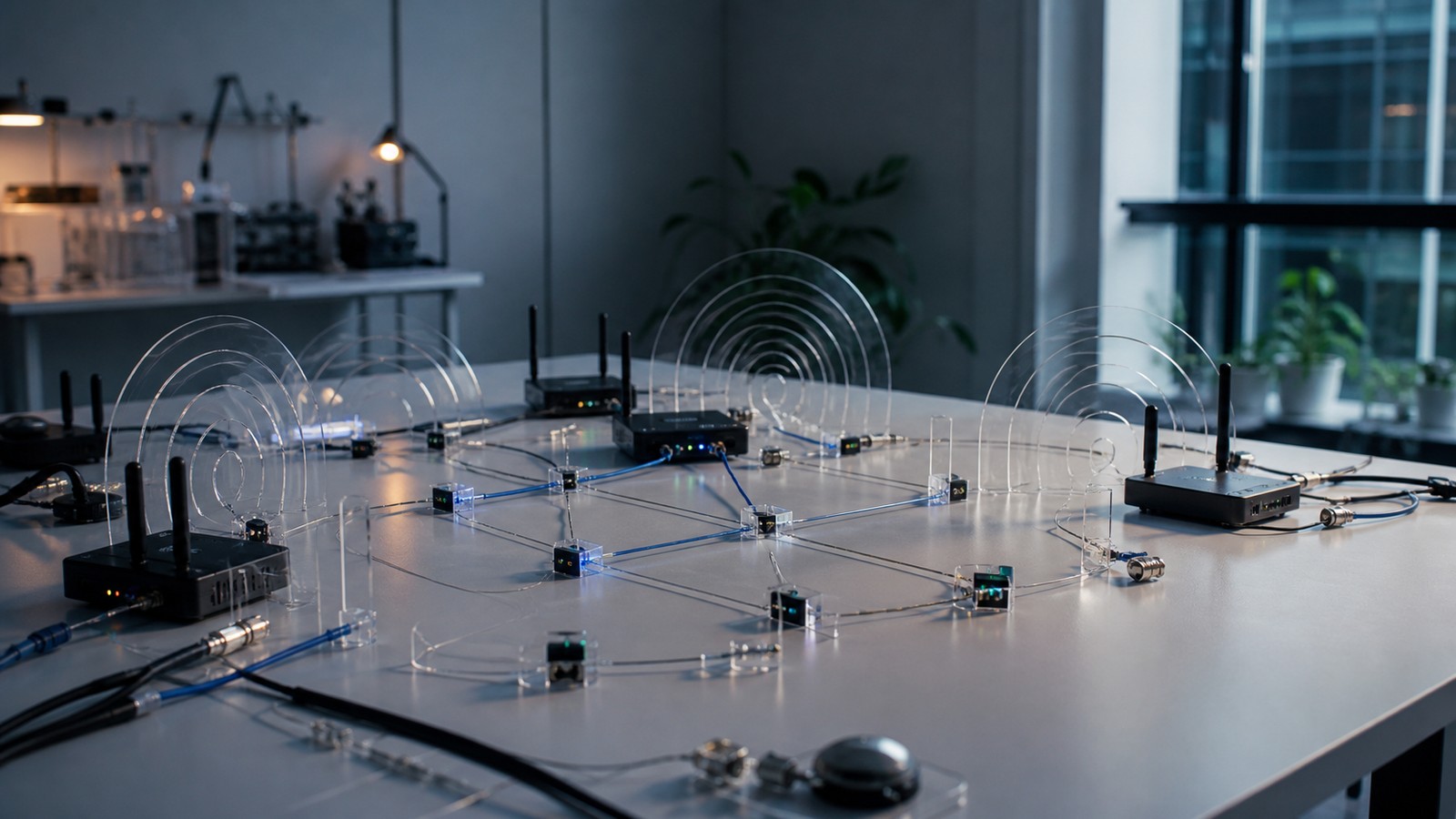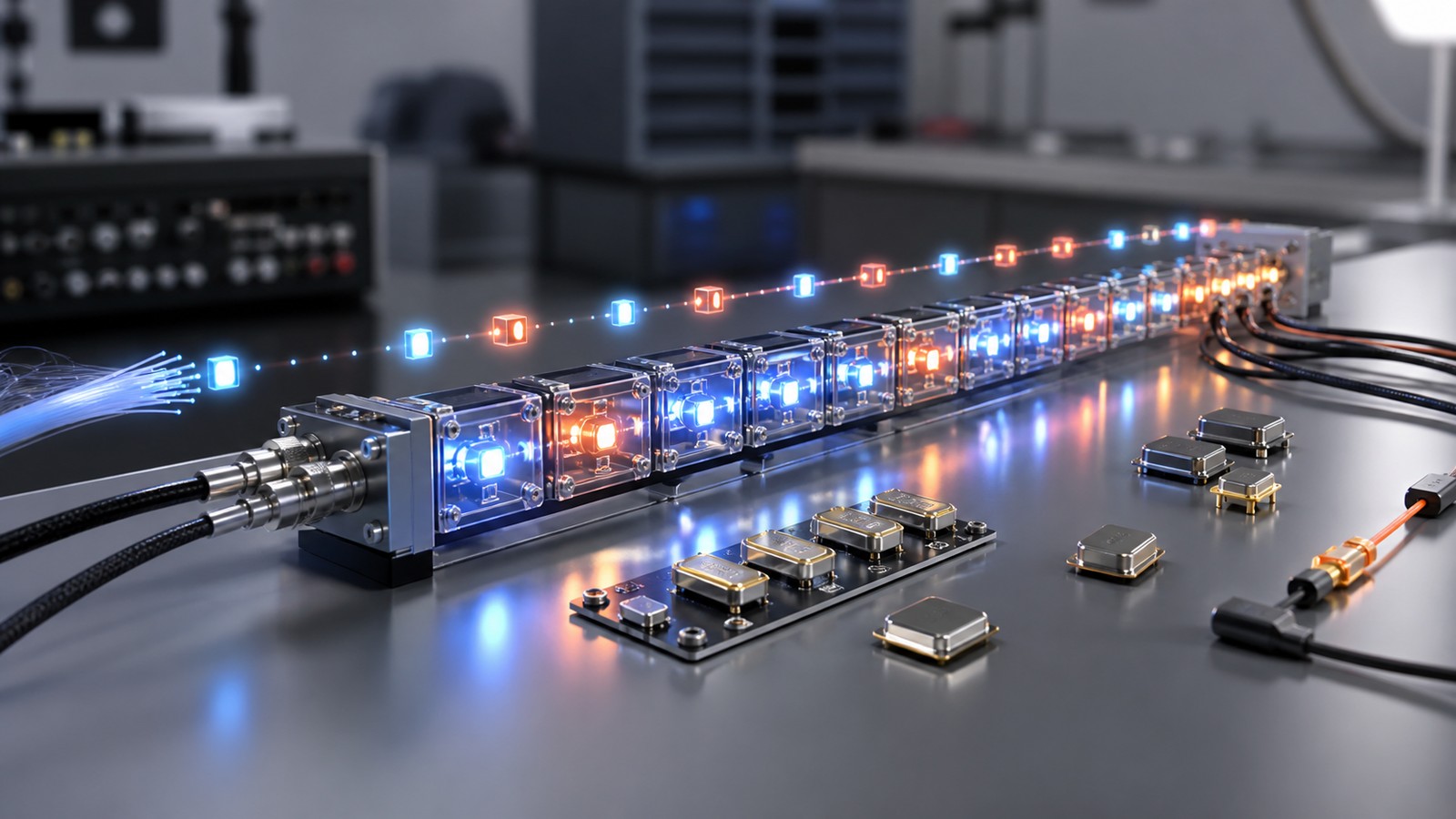
Data Streams Carry Continuous Signals Through Modern Systems
Data streams are continuous flows of information moving from devices, apps, sensors, networks, machines, or users. Unlike a static file, a stream keeps arriving over time, often in small ordered pieces. Signal systems use streams for telemetry, logs, video, audio, location, financial events, machine data, and real-time monitoring. A useful stream depends on order, timing, throughput, reliability, and a clear plan for what happens when data arrives late or missing.
The Flow Needs a Purpose
data streams should begin with the job the streaming data system needs to do. The goal is to keep continuous signal flow useful and reliable.
That purpose decides which measurements matter. It also keeps the analysis tied to real performance rather than vague activity.
Signals Move Through Conditions
A continuous data stream does not travel in a perfect world. It moves through channels, devices, buffers, software, and changing demand.
Those conditions shape what users experience. Reading the signal means reading both the data and the path it uses.
Inputs Need Time Context
events, timestamps, sensor readings, logs, packets, telemetry, audio, video, and status updates become more useful when their timing is preserved.
Time context shows order, delay, gaps, and bursts. Without it, the system may see values without understanding sequence.
Order Matters
A stream or wireless flow depends on pieces arriving in a usable order. When order breaks, the system may need buffering, reassembly, or retransmission.
Order problems can feel like pauses, stutter, late updates, or stale readings. They are part of signal quality.
Latency Changes Experience
Latency is the delay between sending and receiving. Some workflows tolerate delay, while others need fast response.
Voice, video, gaming, alerts, and controls often need low latency. Bulk transfer may care more about throughput.
Jitter Shows Uneven Timing
Jitter is variation in delay. A system can have acceptable average latency and still feel unstable when timing is uneven.
Jitter matters for streams because steady arrival often feels better than uneven bursts. It should be measured directly.
Throughput Shows Volume
Throughput shows how much information moves through the system over time.
High throughput is useful, but it is not the only measure. A fast system can still feel poor if loss, jitter, or delay is high.
Loss Creates Gaps
Loss means data did not arrive successfully. In wireless systems, loss can come from interference, weak signal, congestion, or device issues.
The system should know whether to retry, conceal, skip, or alert. Different streams handle loss differently.
Retries Have a Cost
Retries can recover missing data, but they use time and capacity.
A few retries may be normal. Too many retries can make a wireless connection feel slow even when the signal appears active.
Buffers Smooth Uneven Arrival
Buffers hold data temporarily so uneven arrival does not always become a visible problem.
Too little buffering causes gaps. Too much buffering adds delay. The right balance depends on the stream.
Packets Carry Pieces
Packets carry smaller pieces of information through a network. They usually include headers, payload, and checks.
A packet is not the same as the whole stream. It is one unit in the larger flow.
Streams Carry Continuity
A stream is the continuing flow that users or systems care about over time.
A video call, sensor feed, log pipeline, or market feed depends on continuity. Packets support that continuity behind the scenes.
Headers Add Routing Clues
Packet headers carry information that helps networks deliver, order, and check data.
Headers add overhead, but they make packet movement manageable. They help the system know where data belongs.
Payload Carries the Content
The payload is the part of a packet that carries the actual content or measurement.
A payload may hold audio samples, video data, sensor values, log entries, commands, or application data. It needs the surrounding system to arrive usefully.
Congestion Changes Behavior
Congestion happens when too much traffic competes for available capacity.
Congestion can increase latency, loss, retries, and buffering. It may look like a signal problem even when coverage is acceptable.
Interference Adds Noise
Wireless interference can make packets harder to receive and streams harder to keep smooth.
Interference may come from nearby networks, devices, machinery, walls, distance, or environmental conditions. The source shapes the fix.
Noise Floor Matters
The noise floor describes the background energy a signal must rise above.
A higher noise floor can reduce usable signal quality. Strong signal strength alone may not overcome a noisy environment.
Signal Quality Beats Signal Strength Alone
A strong signal can still perform badly if the channel is noisy, crowded, or unstable.
Quality measures such as loss, retries, jitter, and error rate often explain user experience better than bars alone.
Timing Shows Bottlenecks
Timing data can reveal where a stream slows down. The delay may come from the wireless link, router, server, device, or application.
Breaking timing into parts makes troubleshooting more precise. It prevents guessing at the wrong layer.
Observability Makes Streams Manageable
The system should expose counters, logs, timestamps, error rates, and health signals.
Observability turns vague complaints into evidence. It helps teams see whether trouble comes from loss, delay, noise, or congestion.
Baselines Define Normal
A baseline shows what normal flow looks like for a device, site, stream, or time period.
Baselines make changes visible. They reduce false alarms caused by ordinary busy periods.
Thresholds Need Context
Thresholds decide when a metric becomes an alert or action.
A threshold should reflect the stream's purpose. A delay that is acceptable for backup may be poor for voice.
False Alarms Waste Attention
Too many alerts can make teams ignore the system.
Alerts should be tied to action. A useful alert tells someone what changed and what to check next.
Missed Events Matter
Missing a real stream failure or noise problem can harm reliability.
The system should test for rare but important cases. Average behavior can hide short but damaging failures.
Compression Changes the Load
Compression can reduce the amount of data that needs to move through the system.
Compression may add processing time or quality tradeoffs. It should match the stream's use.
Prioritization Can Protect Critical Flow
Some traffic may need priority when capacity is limited.
Voice, safety alerts, controls, or monitoring may deserve different handling than background transfer. Priority rules should be clear.
Security Adds Overhead
Encryption and authentication protect data, but they can add handshake time, processing, and packet overhead.
Security should be planned with performance, not added as an afterthought. Both matter.
Edge Processing Can Reduce Traffic
Local processing can summarize, filter, or act on data before it travels farther.
This can reduce bandwidth and latency. It also changes what evidence is available later for review.
Cloud Processing Adds Scale
Cloud systems can store history, compare streams, train models, and support broad monitoring.
The tradeoff is dependence on transfer, latency, security, and availability. Cloud and edge often work together.
Failure Modes Need Names
Common failure modes include loss, delay, jitter, congestion, corruption, stale data, and reorder events.
Naming the failure helps choose the right test. A loss problem and a delay problem need different responses.
Testing Should Include Bad Conditions
Streams should be tested under crowding, weak signal, device changes, interference, and restarts.
Clean lab behavior is not enough. Real conditions reveal whether the system recovers gracefully.
Logs Support Root Cause Work
Logs should preserve timing, errors, retries, drops, queue depth, and version details.
Traceable logs make failures easier to explain. They also support comparison after updates.
Version Changes Need Review
Firmware, application, protocol, or configuration changes can alter stream behavior.
Change review helps connect cause and effect. It prevents a new issue from looking mysterious.
Privacy Still Matters
Streams and packets can reveal behavior, location, device use, and operational patterns.
Privacy rules should guide what is collected, stored, and retained. Useful monitoring should still be careful.
Final Takeaway
data streams is strongest when timing, loss, noise, capacity, and recovery behavior are measured together.
The goal is to keep continuous signal flow useful and reliable. Clean signal flow depends on both the data and the path carrying it.
Action Rules Complete the Work
The output should connect to actions such as inspect, tune, retry, prioritize, filter, or keep monitoring.
Action rules make the system useful. They turn signal data into practical decisions.
Periodic Review Catches Drift
Periodic review checks whether channels, devices, traffic, and assumptions still match current conditions.
That review keeps the streaming data system from aging quietly. It protects reliability over time.
Clear Language Helps Users
Outputs should name the issue plainly: loss, delay, jitter, noise, congestion, or missing data.
Plain language helps teams respond faster. It also keeps the analysis from becoming a mystery.
Ownership Keeps Monitoring Alive
Someone should own alert review, threshold tuning, and repeated stream problems.
Clear ownership keeps monitoring from becoming background noise. It helps issues get fixed instead of only recorded.
Final Practical Standard
The practical standard is simple: the signal flow should help people understand what changed and what to do next.
When that standard is met, data streams becomes useful rather than decorative.
Examples Should Match Use
Testing examples should resemble the conditions where the streaming data system will operate.
If examples are too clean or narrow, the system may look stronger than it is. Realistic examples protect trust.
Difficult Cases Deserve Review
Difficult cases include weak signals, crowded channels, missing packets, delayed updates, and short bursts.
These cases reveal the limits of the design. They should be studied rather than removed too quickly.
Quality Scores Help Interpretation
A quality score can show whether the current stream or packet flow is strong, weak, delayed, noisy, or incomplete.
Quality scores keep confidence honest. They help users know when output needs review.
Dashboards Should Stay Focused
A dashboard should highlight the measurements that guide decisions rather than every available counter.
Focused displays reduce confusion. They help teams notice the signal condition that matters most.
Retention Rules Matter
Teams should decide how long to keep raw packets, stream summaries, alerts, and logs.
Retention rules preserve useful evidence while limiting clutter and privacy risk. They should match the task.
Small Changes Can Matter
A small setting change in buffering, filtering, routing, priority, or retry behavior can alter performance.
Those changes should be tested and documented. They can shift the user experience more than expected.
Field Checks Keep It Honest
A field check compares the system output with what users or devices actually experience.
These checks catch blind spots in dashboards. They keep data streams tied to real behavior.
Good Systems Stay Humble
A good system reports what the data supports and leaves room for uncertainty when the evidence is incomplete.
That humility is practical. It keeps the streaming data system clearer and easier to trust.
Maintenance Completes the System
The work does not end when the first dashboard or alert is published.
Maintenance keeps thresholds, baselines, filters, and review rules aligned with real conditions.
Ownership Keeps Review Moving
Someone should own repeated problems, alert review, and threshold tuning.
Clear ownership keeps the streaming data system from becoming unattended background data.
Evidence Should Stay Checkable
Important outputs should keep enough evidence for later review, including timing, loss, delay, and related readings.
Checkable evidence helps teams learn from both correct and incorrect outputs.
Final Use Check
Before acting on the output, the team should ask what changed, how strong the evidence is, and what action follows.
That final check keeps data streams grounded in practical signal work.
Reliable Flow Needs Follow-Through
Reliable flow depends on review after problems are found.
Follow-through turns measurement into improvement.