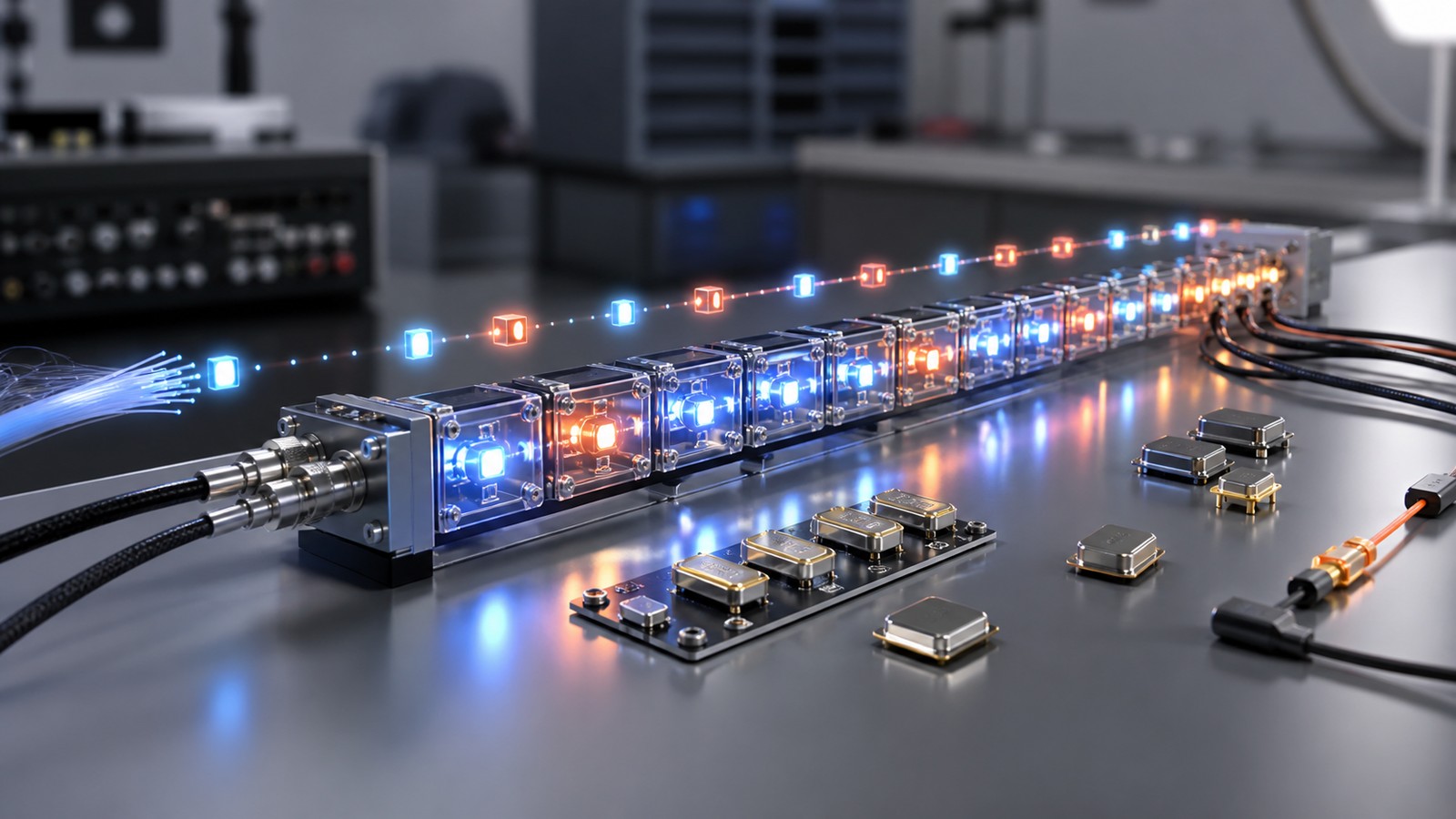
Digital Signal Streams Depend on Bits and Timing
Digital signal streams move information as ordered bits across wires, radios, fiber, sensors, buses, and networks. The stream only works when the sender and receiver agree on timing, format, encoding, error handling, and transmission rules. A digital stream may look simple because it is made of ones and zeros, but reliable communication depends on clocking, synchronization, framing, bandwidth, noise control, and recovery when bits arrive late, missing, or wrong.
Bits Carry the Message
A digital signal stream represents information with bits. Each bit helps build a message, sample, packet, command, file, or measurement.
The meaning of the bits depends on the rules shared by the sender and receiver. Without those rules, a stream of ones and zeros is only raw activity.
Timing Keeps Bits in Order
Timing tells the receiver when to read each bit. If timing slips, the receiver may group bits incorrectly or read transitions at the wrong moment.
Clock recovery, synchronization, and stable sampling all help preserve order. Digital communication depends on timing as much as voltage or radio energy.
Framing Defines Boundaries
Framing tells the receiver where a message begins and ends. A long stream needs boundaries so data can be separated into useful units.
Frames, packets, headers, and delimiters keep the stream organized. Without framing, the receiver may see data but not know how to interpret it.
Encoding Shapes the Signal
Encoding turns data into a signal pattern that can travel through the channel. It may support timing recovery, reduce errors, or meet hardware limits.
Different systems use different encoding choices because channels and devices have different needs. The best encoding depends on speed, reliability, power, and complexity.
Bandwidth Limits Throughput
Bandwidth affects how much signal change a channel can carry. A stream that changes too quickly for the channel may blur, distort, or lose data.
Digital systems manage this with data rates, modulation, filtering, and coding. The channel sets practical limits even when the data itself is digital.
Noise Still Matters
Digital does not mean immune to noise. Noise can make a receiver choose the wrong bit, miss an edge, or lose synchronization.
Good design keeps enough margin between valid signal states. Error detection and correction add another layer of protection.
Jitter Affects Timing
Jitter is variation in timing. Even if the average rate is correct, small timing changes can cause trouble at high speeds.
Jitter matters in data links, audio streams, video, clocks, and control systems. It can create errors even when signal strength looks acceptable.
Latency Changes the Experience
Latency is the delay between sending and receiving. Some streams can tolerate delay, while others need fast response.
Voice, games, controls, and safety alerts often need low latency. Backups and bulk transfers may care more about throughput.
Packets Add Structure
Many digital streams travel as packets. Packets carry payload data plus information such as addressing, order, length, and error checks.
Packet structure helps networks route and verify data. It also makes recovery possible when parts of a stream arrive out of order or fail.
Error Detection Finds Problems
Error detection checks whether received data appears damaged. Checksums and cyclic redundancy checks are common examples.
Detection does not always fix the data. It tells the system whether to discard, request again, or rely on a correction method.
Error Correction Adds Protection
Error correction adds extra information so some mistakes can be repaired without retransmission.
This is valuable when retransmission is slow, impossible, or costly. Wireless links, storage, and deep-space communication all benefit from correction.
Retransmission Has Costs
Retransmission sends data again after loss or corruption. It can improve reliability but adds delay and uses more capacity.
Systems balance retransmission with correction, buffering, and rate control. The right balance depends on the application.
Buffers Smooth Uneven Arrival
Buffers hold data temporarily when arrival timing is uneven. They help audio, video, and network streams play or process smoothly.
Too little buffering can cause gaps. Too much buffering can add delay. Stream design often balances smoothness and responsiveness.
Clock Drift Creates Trouble
Sender and receiver clocks may not run at exactly the same speed. Over time, small differences can accumulate.
Synchronization methods keep the stream aligned. Without them, long transfers can slowly move out of step.
Compression Changes the Load
Compression can reduce how many bits need to be transmitted. This can save bandwidth or storage.
Compression also adds processing and may affect quality or delay. A stream should use compression that fits the data and timing need.
Security Protects the Stream
Digital streams may need encryption, authentication, and integrity checks. Otherwise data can be read, changed, replayed, or spoofed.
Security can add overhead, but it protects meaning and trust. It should be part of stream design, not an afterthought.
Monitoring Reveals Stream Health
A healthy stream can be measured through error rate, delay, jitter, loss, throughput, and synchronization status.
These metrics help engineers diagnose whether trouble comes from timing, channel quality, congestion, hardware, or protocol behavior.
What to Check Next
Teams should check bit rate, timing, framing, encoding, error handling, latency, and the application’s tolerance for delay or loss.
They should also test streams under noisy, crowded, and degraded conditions. Clean lab results are not enough.
Deployment Notes
Deployment should document stream format, clocking, packet rules, error checks, buffering, and security settings.
When a stream fails, those details help engineers trace whether the problem is physical, logical, or operational.
Final Takeaway
Digital signal streams depend on bits, timing, and transmission rules working together.
The strongest streams are not just fast; they are synchronized, protected, measurable, and suited to the job they carry.
Real Streams Need Recovery
A digital stream should assume that some bits may be delayed, lost, duplicated, or corrupted. Recovery behavior is part of the design.
Protocols handle this with sequence numbers, acknowledgments, correction, retransmission, and buffering. The goal is reliable meaning, not perfect raw conditions.
Stream Design Depends on the Payload
A sensor reading, video frame, voice packet, control command, and software update do not need the same stream behavior.
Some payloads need low delay, while others need perfect completeness. Stream design should follow the payload.
Testing Should Include Bad Conditions
Digital streams should be tested under weak signal, congestion, clock drift, packet loss, and device restart conditions.
These tests show whether the stream recovers gracefully. A stream that only works in clean conditions is not ready.
Final Stream Review
A final review should ask whether the stream preserves order, timing, integrity, and security under realistic conditions.
If the stream can be measured and recovered, engineers have a better chance of keeping it reliable.
Bit Rate and Symbol Rate Differ
Bit rate describes how many bits move per second, while symbol rate describes how many signaling units are sent per second.
One symbol can sometimes represent more than one bit. That difference matters in modulated systems and high-speed links.
Line Coding Helps Hardware
Line coding shapes digital signals so hardware can transmit and recover them more reliably.
A good line code may reduce long runs without transitions, help clock recovery, or limit unwanted frequency content. Physical design and data format meet here.
Serialization Changes Parallel Data
Many systems convert parallel data into a serial stream so it can travel over fewer wires or a radio link.
Serialization makes transmission practical, but it increases the importance of timing, framing, and recovery at the receiver.
Streams Need Flow Control
Flow control prevents a sender from overwhelming a receiver or buffer. It helps keep the stream stable when processing speeds differ.
Without flow control, data may be dropped even if the channel itself is working. Reliability depends on the whole path.
Real-Time Streams Need Priorities
Real-time streams may need priority over less urgent data. Voice, control, and safety messages often cannot wait behind bulk transfers.
Priority rules should be designed carefully so urgent traffic gets through without starving other communication.
Digital Streams Can Carry Samples
Audio, video, sensor, and measurement streams often carry repeated samples. The timing between samples is part of the meaning.
If sample timing changes, playback, analysis, or control may be affected. The stream must preserve both value and order.
Protocol Layers Share Responsibility
Physical layers, link layers, transport protocols, and applications each handle part of stream reliability.
A problem at one layer can appear as a symptom at another. Engineers need layered evidence to troubleshoot well.
Final Stream Takeaway
Digital streams look clean at the bit level, but reliable streaming is a system problem.
Timing, framing, coding, buffering, recovery, and security all work together to keep meaning intact.
Streams Need Compatibility
A sender and receiver must agree on format, rate, byte order, encoding, and protocol expectations. A small mismatch can make a stream unreadable.
Compatibility checks prevent confusing failures. They are especially important when devices, firmware, or vendors change.
Throughput Is Not the Only Goal
A stream can have high throughput and still perform poorly if latency, jitter, or loss is unacceptable for the application.
Engineers should measure the qualities that matter for the payload. A control stream and backup stream should not be judged the same way.
Digital Streams Need Observability
Stream health should be visible through logs, counters, timestamps, error rates, and buffer status.
Observability makes troubleshooting faster. It helps teams see whether a stream is failing because of timing, congestion, corruption, or application behavior.
Recovery Should Be Predictable
When trouble occurs, the stream should recover in a predictable way. It may retry, resync, drop old data, or enter a safe state.
Predictable recovery is part of reliability. Users and systems need to know what happens when perfect transmission is not available.
Security Adds Its Own Timing
Encryption and authentication can add processing and handshake timing. This overhead should be included in stream planning.
A secure stream should still meet the timing needs of the application. Security and performance should be designed together.
Final Digital Stream Check
Before deployment, teams should test stream behavior under loss, delay, restart, clock drift, and version mismatch.
After deployment, they should monitor stream health continuously. Digital reliability depends on keeping timing and rules aligned.
Stream Failures Need Clear Symptoms
A stream failure may appear as gaps, stutter, corrupted messages, late packets, repeated retries, or complete silence.
Naming the symptom helps engineers choose the right test. A timing problem, format mismatch, and congested link need different responses.
Ordering Rules Matter
Some streams require strict order, while others can tolerate missing or late pieces. A live voice stream may drop late data, while a file transfer must preserve every byte.
The ordering rule should match the payload. Treating every stream the same can add unnecessary delay or lose important data.
Version Changes Need Compatibility Tests
Firmware, protocol, or application updates can change how a stream is formatted or timed.
Compatibility testing protects long-running systems. It confirms that older and newer components still understand each other.
Good Stream Design Is Measurable
A stream should expose enough counters and timestamps to explain performance. Engineers need visibility into loss, delay, rate, and recovery.
Measurable design turns vague complaints into evidence. It makes digital streams easier to maintain.
Digital Streams Should Fail Safely
When a stream cannot be trusted, the system should know whether to retry, pause, alert, or move into a safe state.
Failing safely protects the larger workflow. It prevents corrupted or stale data from being treated as normal.
Final Stream Takeaway for Teams
Teams should treat digital streams as living paths, not static pipes. They need monitoring, compatibility checks, and recovery plans.
That discipline keeps bits, timing, and meaning aligned as devices and software change.